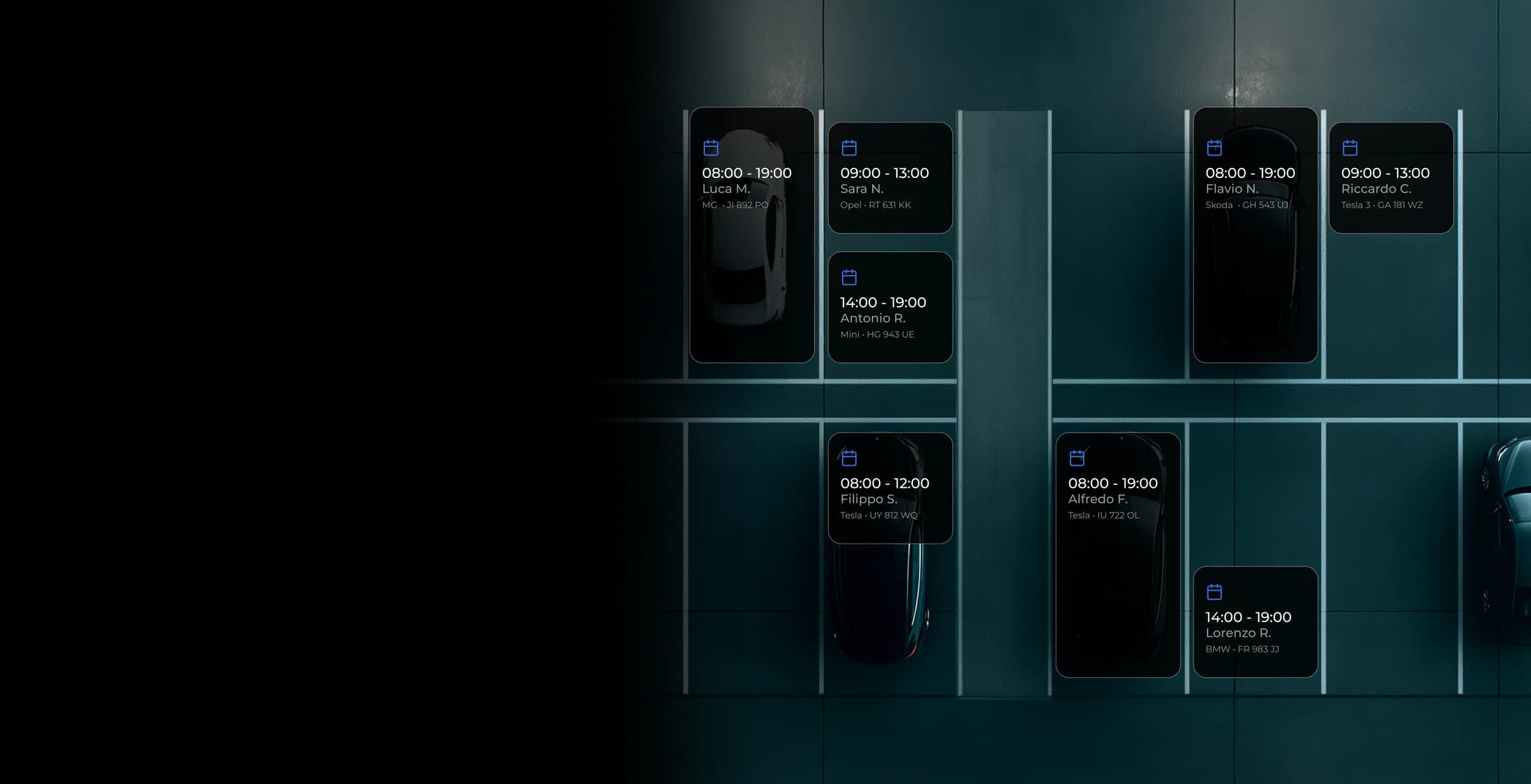
Few spaces, many people. Everyone books their own.
The internal booking engine for your car park. Employees, customers and guests book a space in the app, for the time they need and under the rules you set. That way the same space serves several people in a single day.
Request a DemoHow it works
You set the rules. People book. Spaces rotate.
You set the rules
From the dashboard you decide who can book, which spaces are available, for how long and how far ahead.
People book in the app
They pick the day and time, and the space is theirs.
Verified access
With the camera, the gate opens on its own for whoever booked. Without the camera, people show their pass to your staff.
Rules that fit
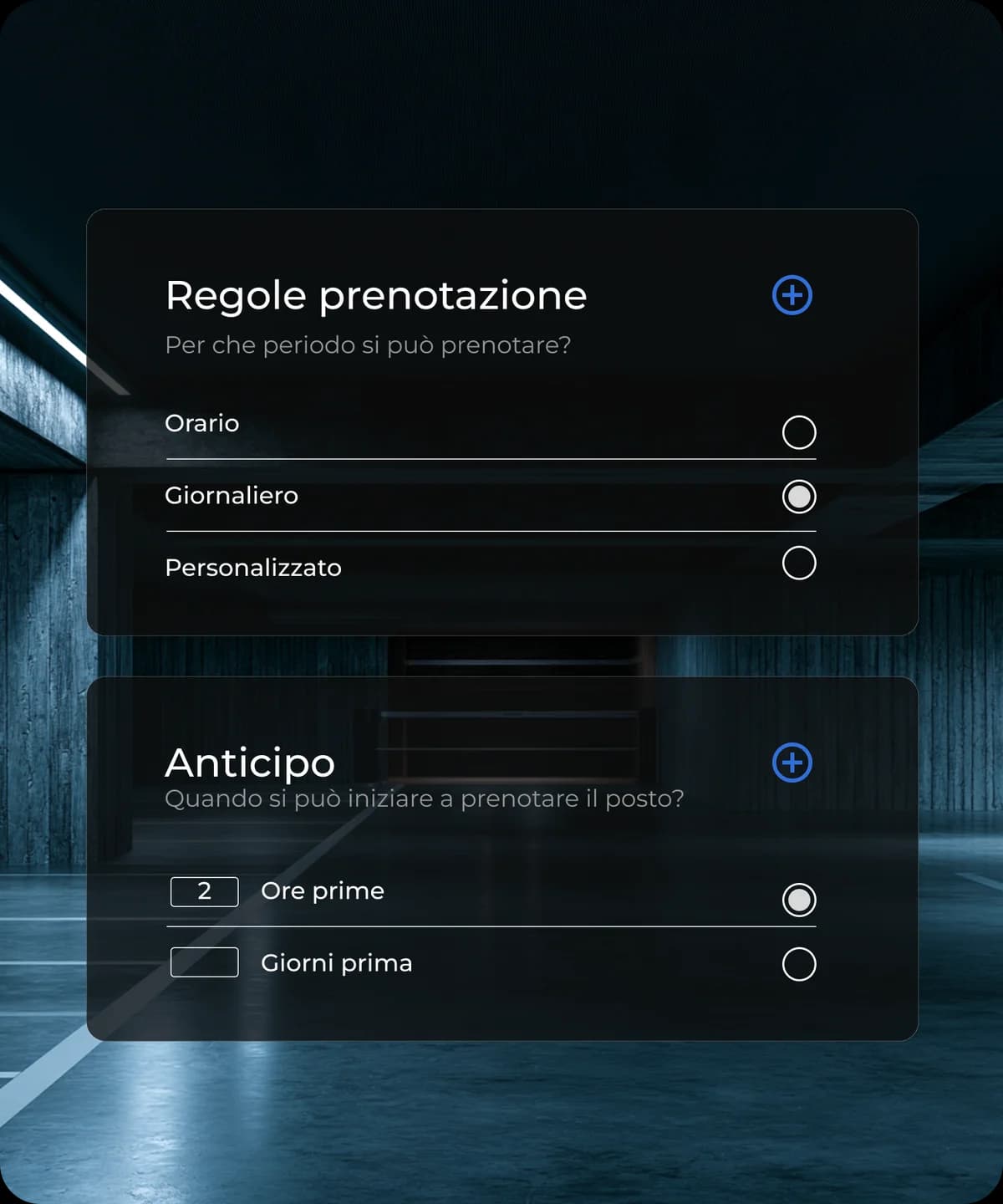
From the dashboard you define who can book (by plate or company email) and under which rules. People can only book within the limits you set.
Duration
Book by the hour, by time slot (morning, afternoon, evening) or for the whole day
Advance window
A rolling window (for example up to 3 days ahead) or weekly release
Groups
Different rules for employees, guests, residents or suppliers
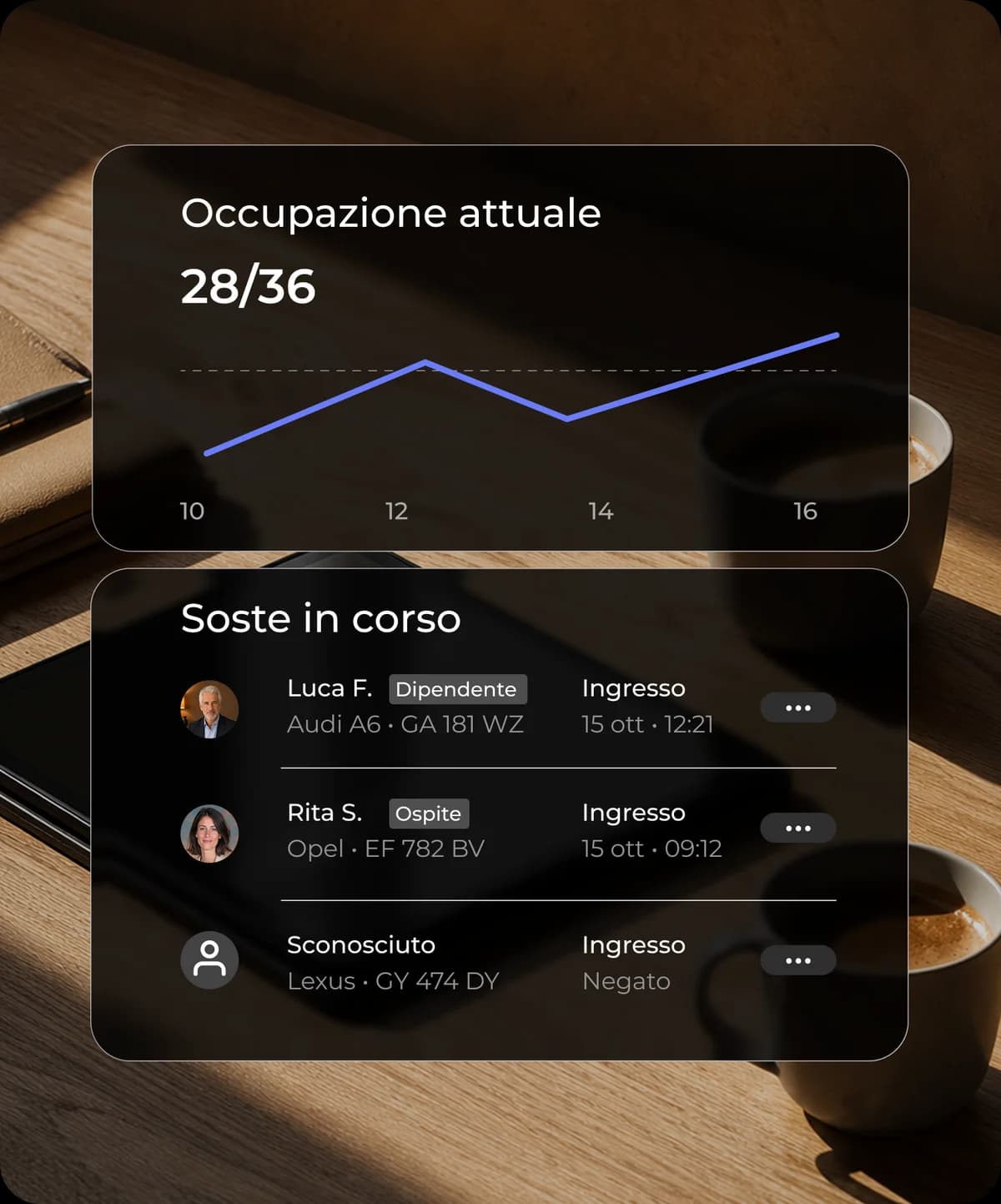
Know how many spaces you have and how they are used
Real-time data on car park occupancy.
Live occupancy
Booked, occupied and free spaces, right now
Usage reports
Occupancy by day, time and period
No-shows
Who books and does not turn up, for fairer rules
Find out that half the spaces sit empty on Fridays? You can open them to more people, or earn from them with DriveDrop Hosting.
With or without a camera
Two ways to check who comes in. Pick the one that suits you.
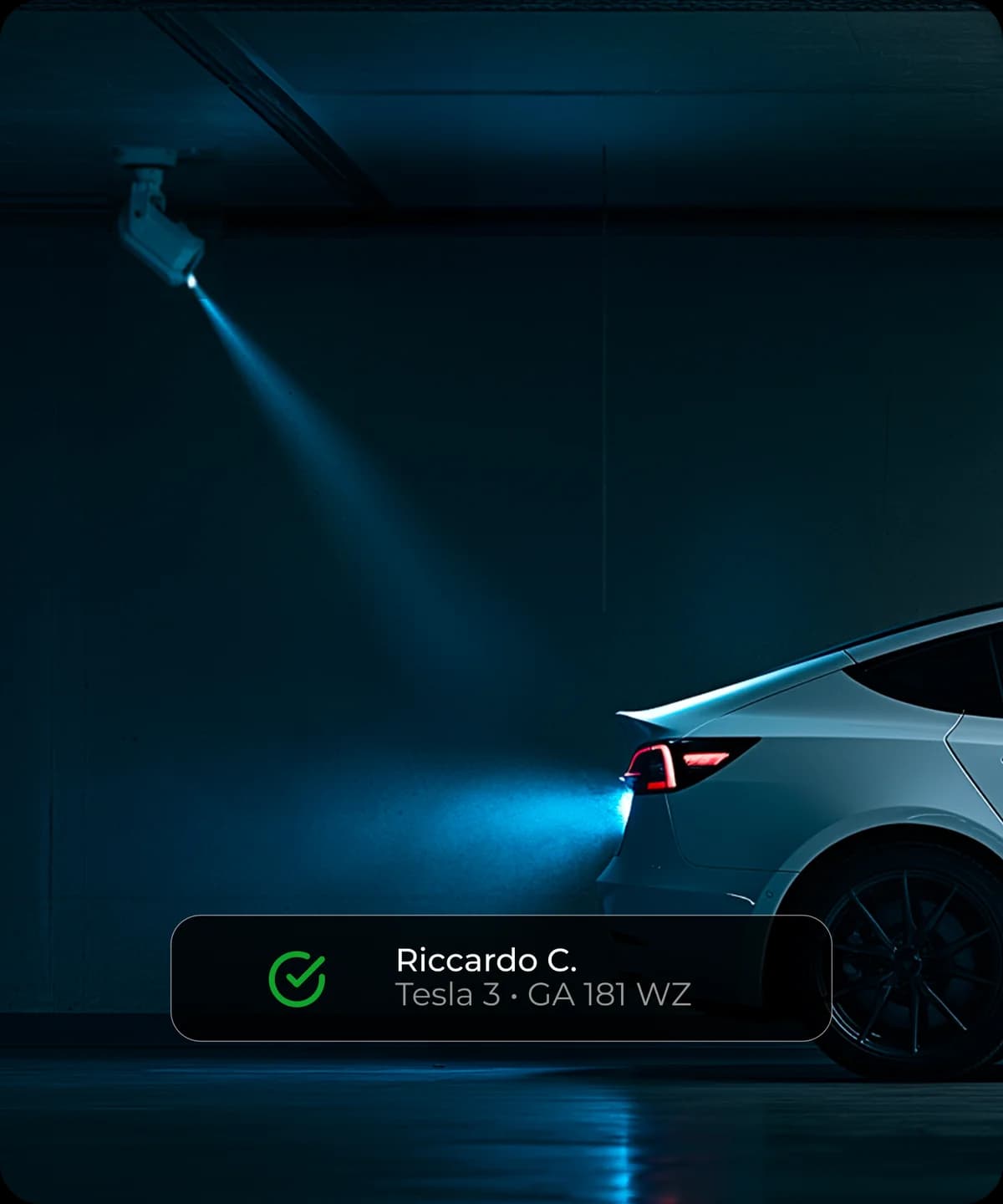
Automatic, with a camera
A camera at the entrance reads the plate. If there is an active booking, the gate opens on its own. No staff, no pass to show: people book and drive in when they arrive.
With your staff, no hardware
Nothing to install. When they book, people get a digital pass in the app. At the entrance they show it to the gatehouse, which checks it in the dashboard.
Who it is for
For anyone with more people than spaces.
Universities, hospitals and large sites
Bays for staff and visitors, on rotation.
Coworking and offices
Parking included in the membership or bookable separately.
Residences and coliving
Spaces for residents and guests, with no fixed assignments.
Frequently asked questions
No. You can start without hardware: people show the digital pass to your staff. You can add the camera later, with nothing changing for the people who book.
Without hardware, a few days: we set up the rules, you load the people and the system is live. With the camera, timing depends on the installation and we agree it after the site survey.
In the DriveDrop app on iOS, Android or the web: they pick the day and time and get an instant confirmation.
Only the people you authorise, added by company email or plate. You can create different groups (employees, guests, residents) with different rules.
Yes. You can keep some spaces dedicated, for example for management or for people with disabilities, and leave the rest for shared booking.
Yes, you manage every car park from a single dashboard, with different rules for each site.
Stop opening the gate by hand
Tell us how your entrance works and who needs to get in: we show you the system set up for your car park and suggest the right solution.
Request a Demo